
Anker Prime Charger (250W, 6 Ports, GaNPrime)

Anker Prime Charger (250W, 6 Ports, GaNPrime)

Anker Prime Charger (250W, 6 Ports, GaNPrime)

$149.99

Key Features

Best fit: short events and quick charging support for guests using Lightning-based iPhones.

Description

Super Fast 250W Output
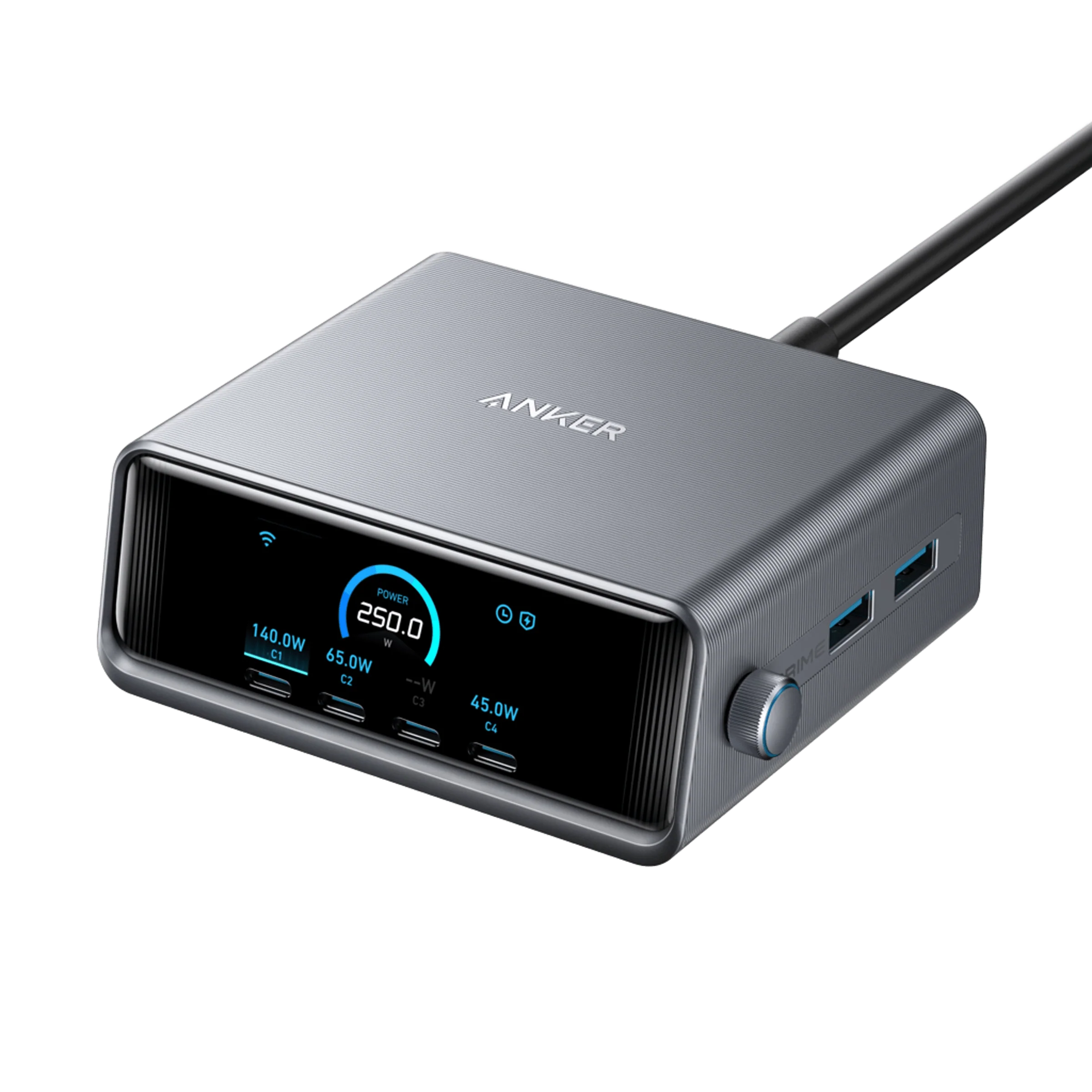
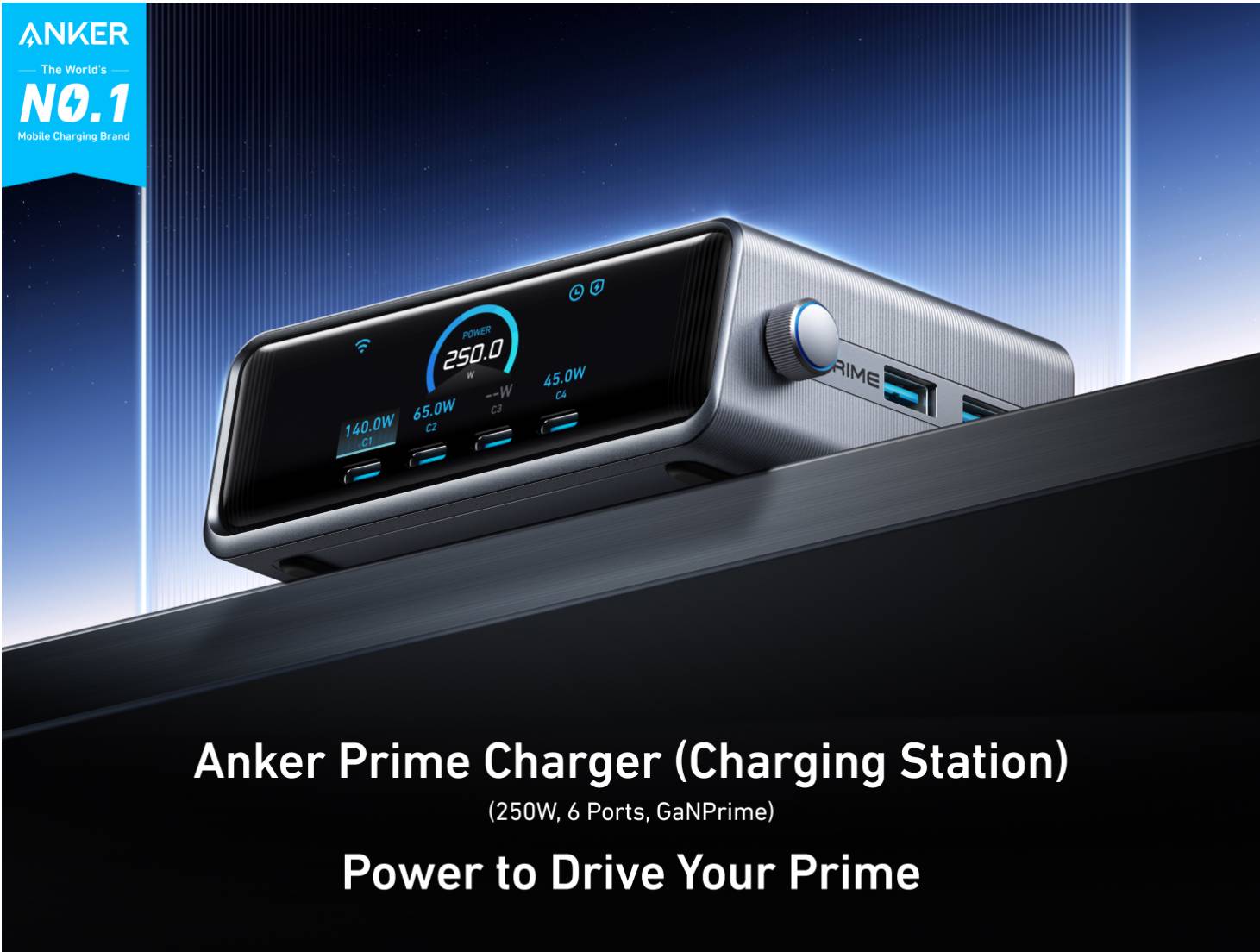
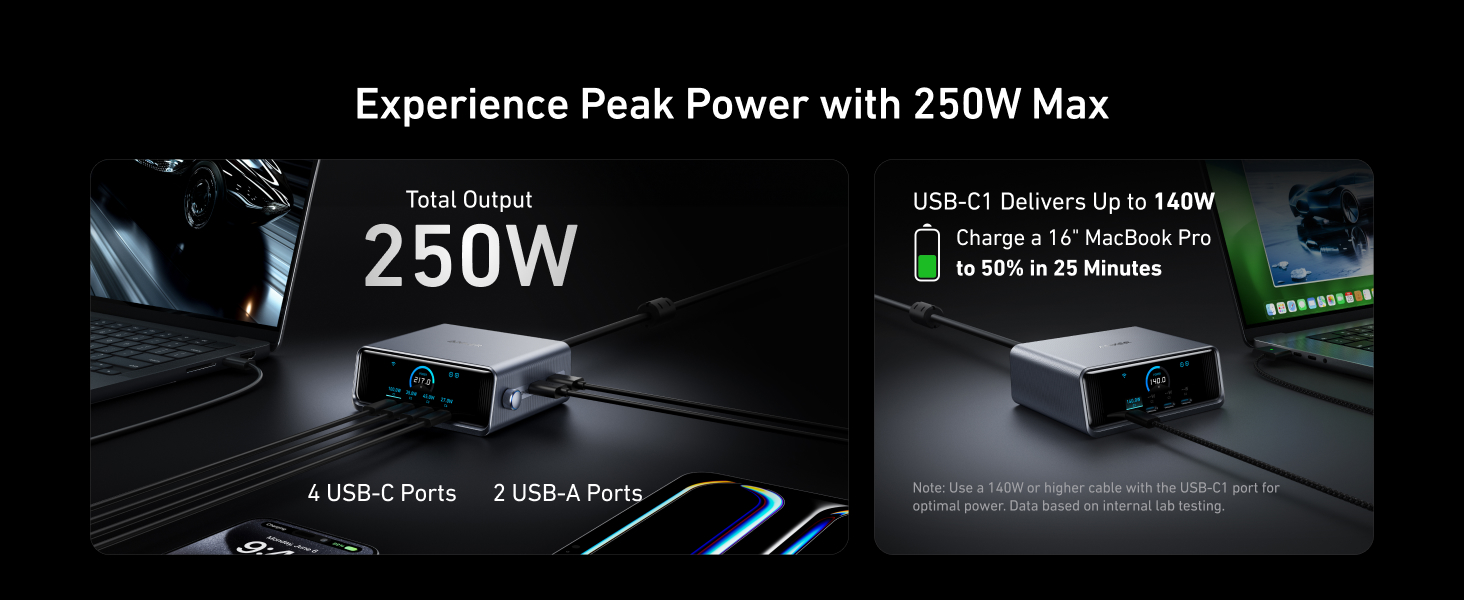
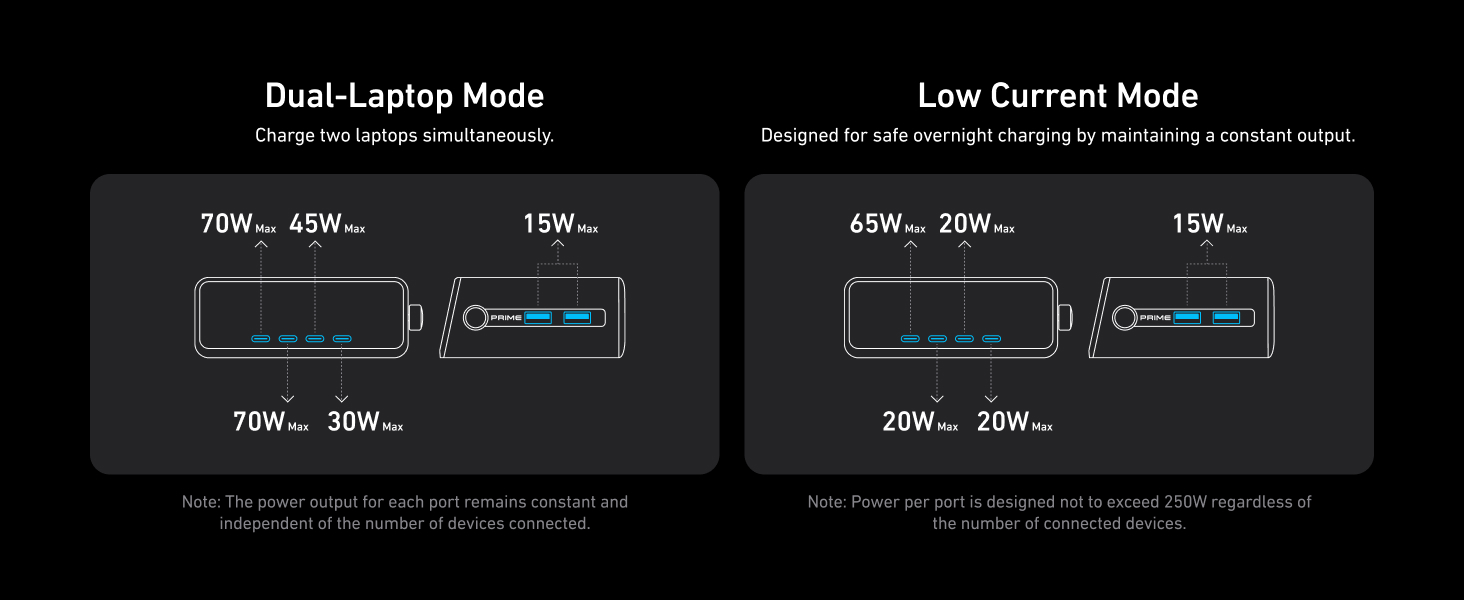
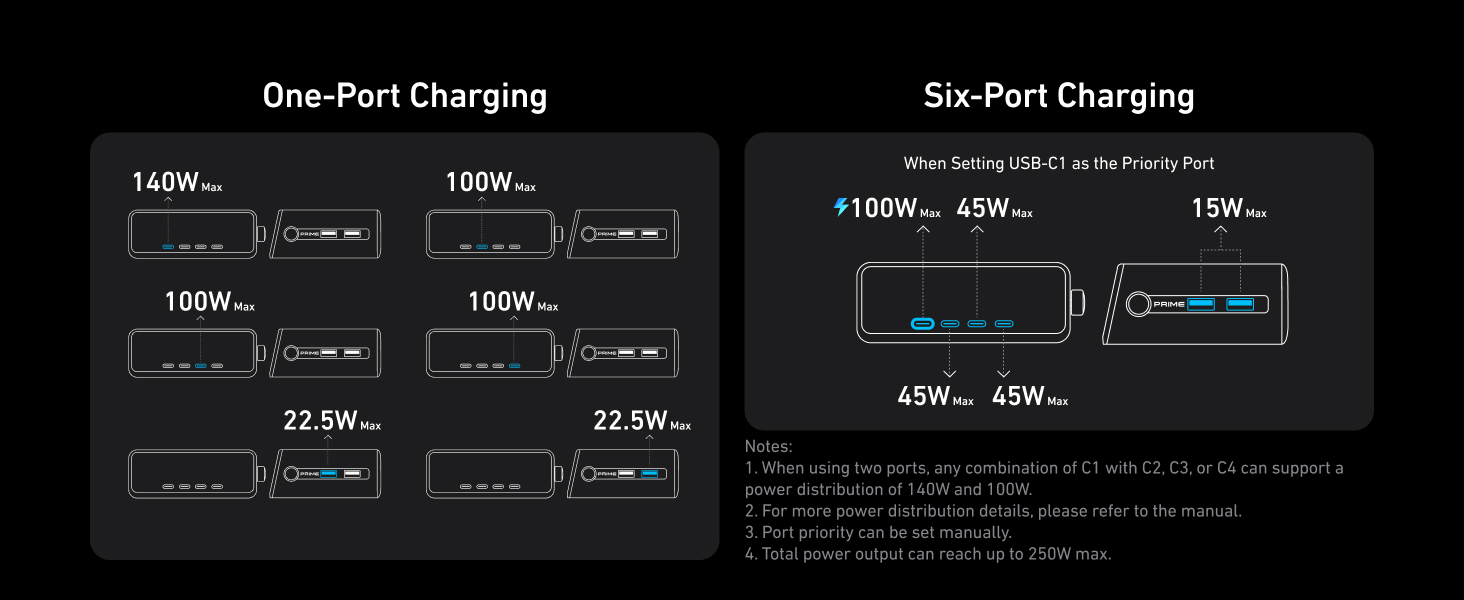
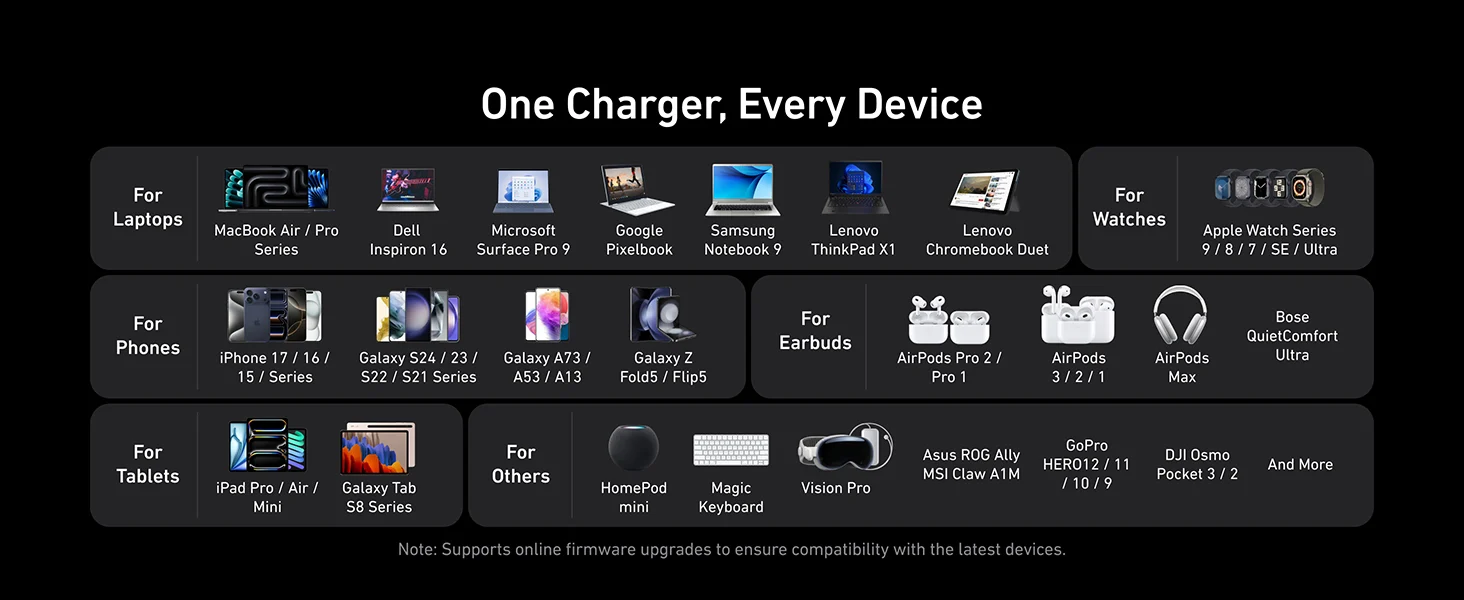
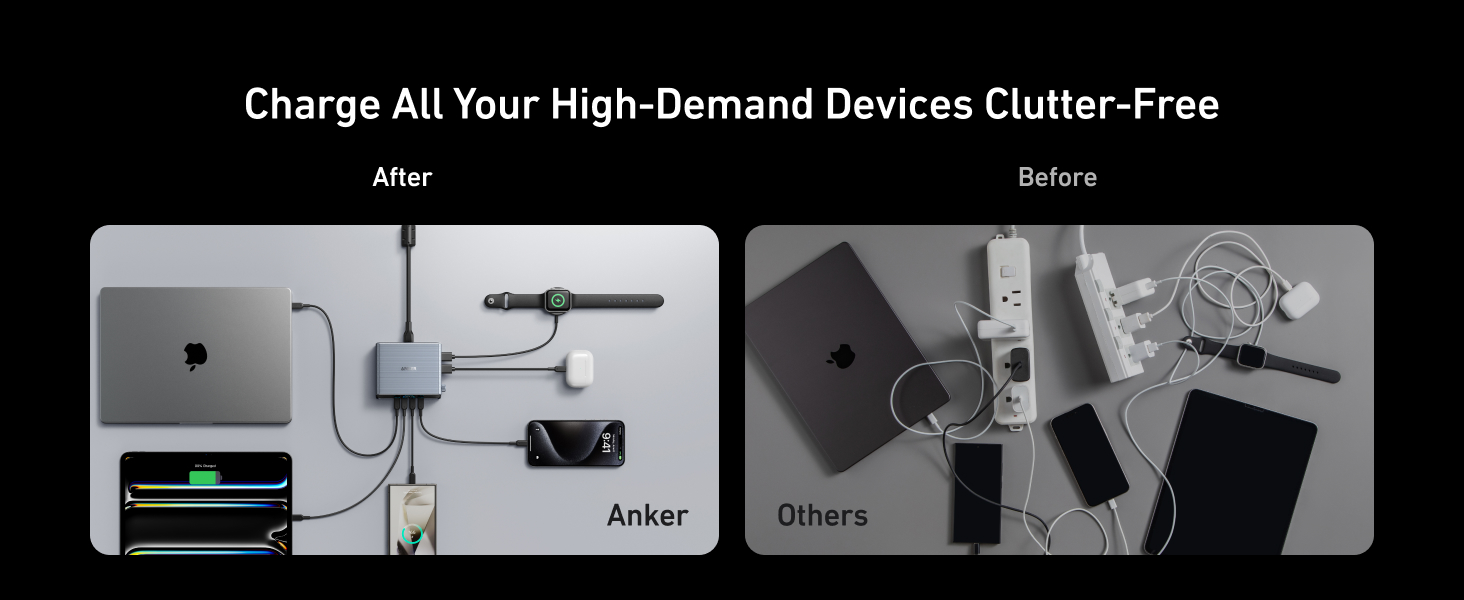
Experience the convenience of high-capacity charging with this Anker 250W charger, featuring four USB-C and two USB-A ports to power your essentials simultaneously.

High-Efficiency ChargerPower up your 16-inch MacBook Pro to 50% in just 25 minutes with this USB-C charger, which delivers 140W to significantly boost your productivity.

Instant Power Feedback
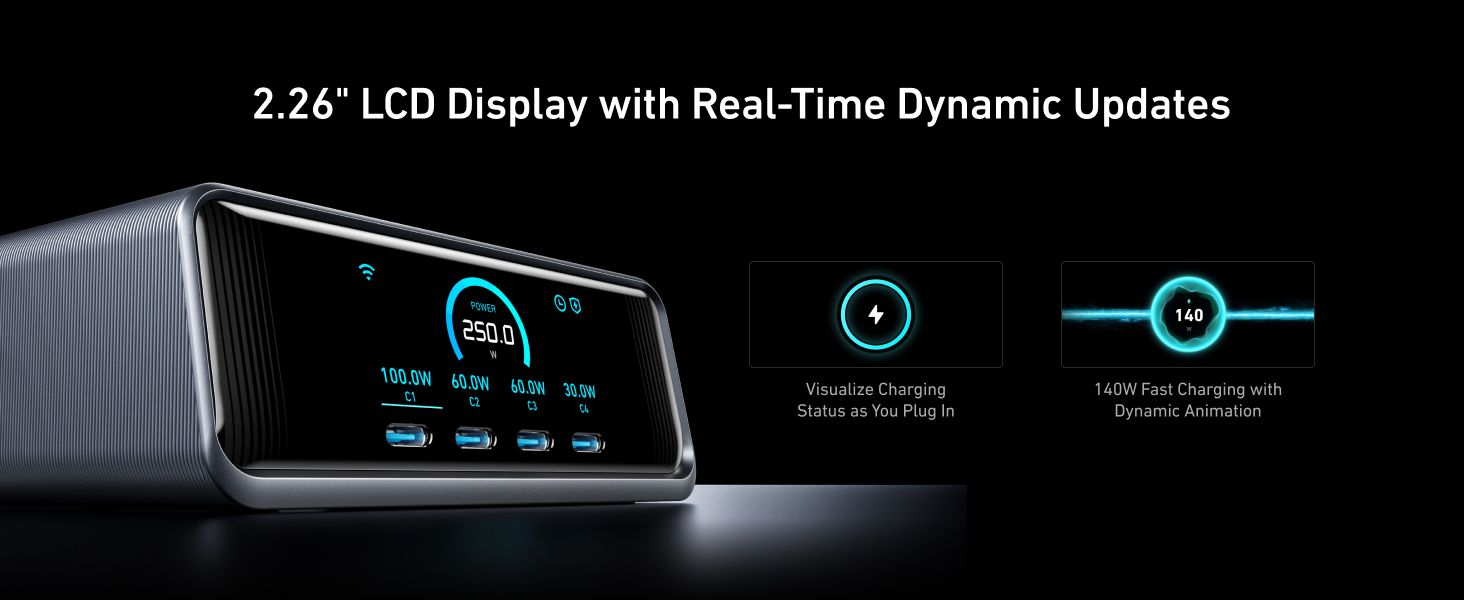
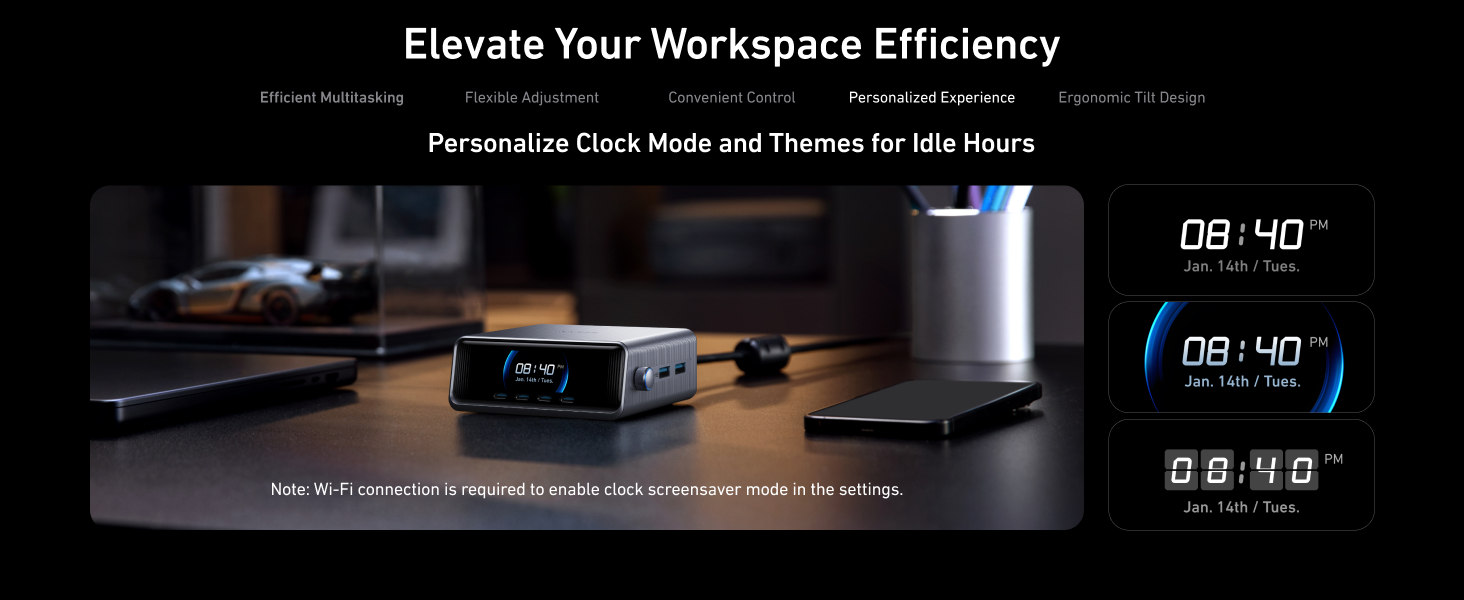
Monitor your charging in real time with the 2.26-inch LCD charger display built into this powerful desk charger, providing clear feedback on charging status and speed.

Personalized Charging
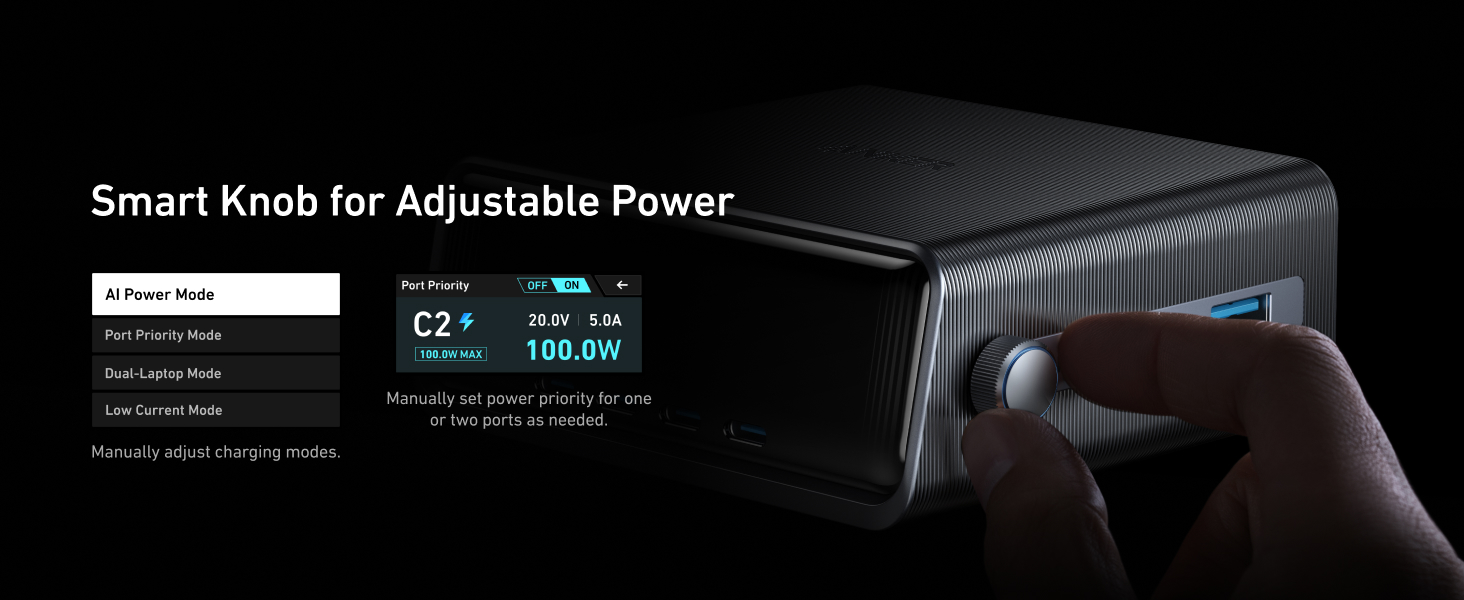
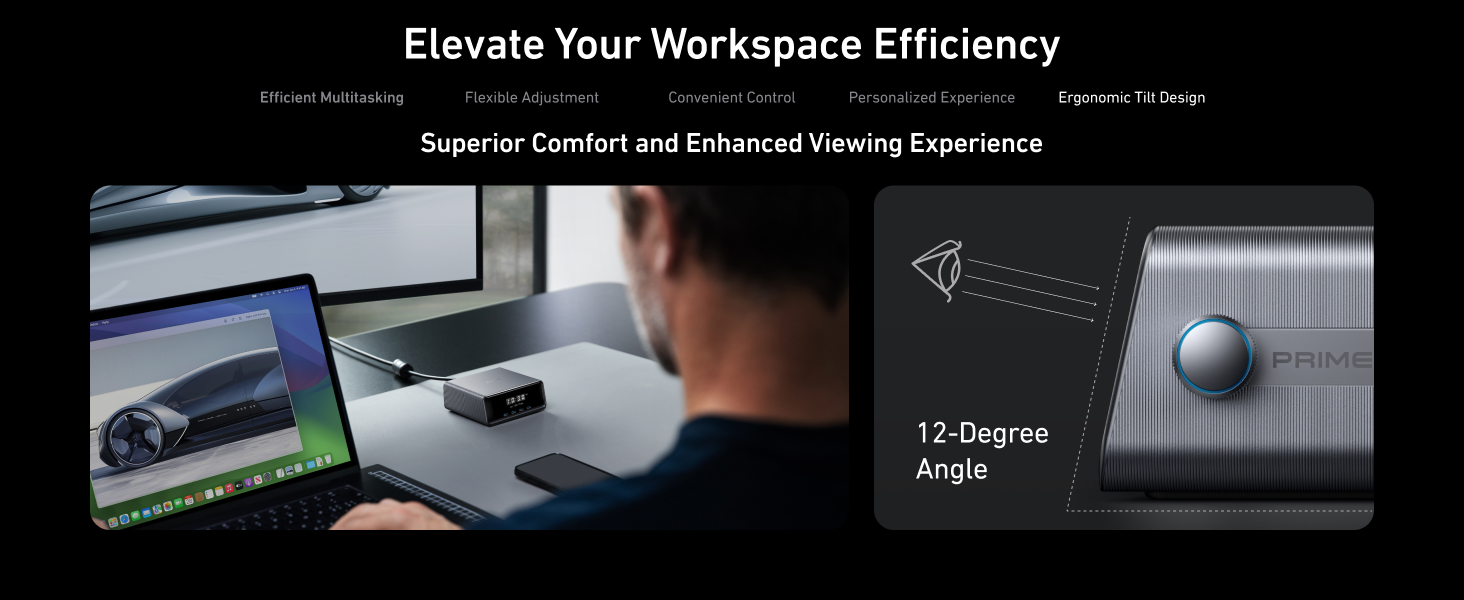
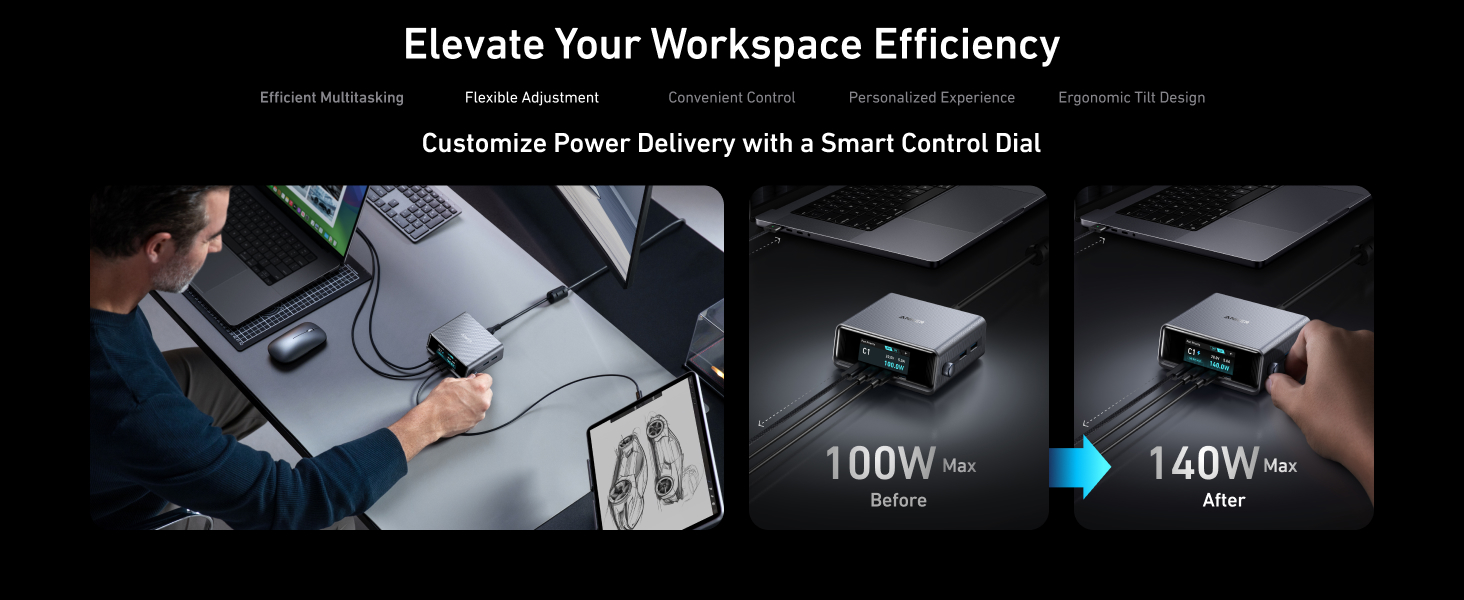
Achieve perfect charging every time with this smart desktop charger, featuring a control dial for instant energy output adjustments to ensure each device charges at its optimal speed.

What You Get
Anker Prime Charger (250W, 6 Ports, GaNPrime), welcome guide, 24-month warranty, and our friendly customer service.

Reviews

There are no reviews yet.

Be the first to review “Anker Prime Charger (250W, 6 Ports, GaNPrime)”

Your email address will not be published. Required fields are marked *

FAQ's

How do I set the mode for intelligent power distribution? What are the benefits?
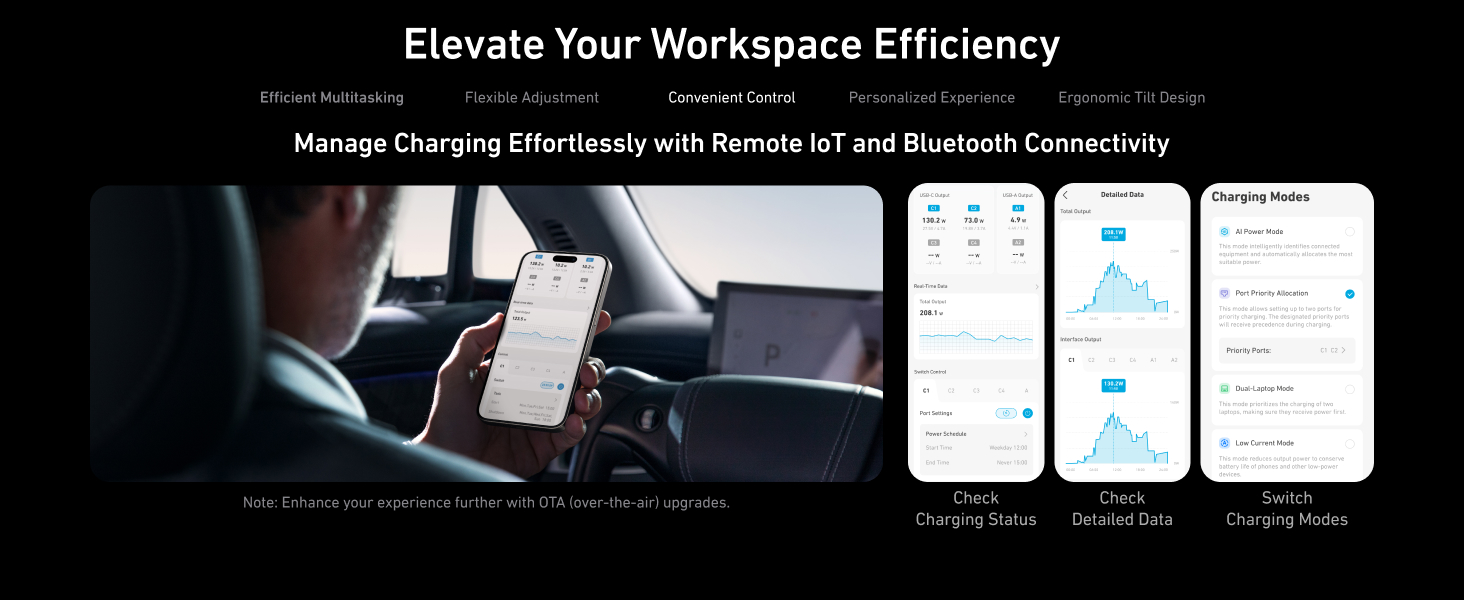
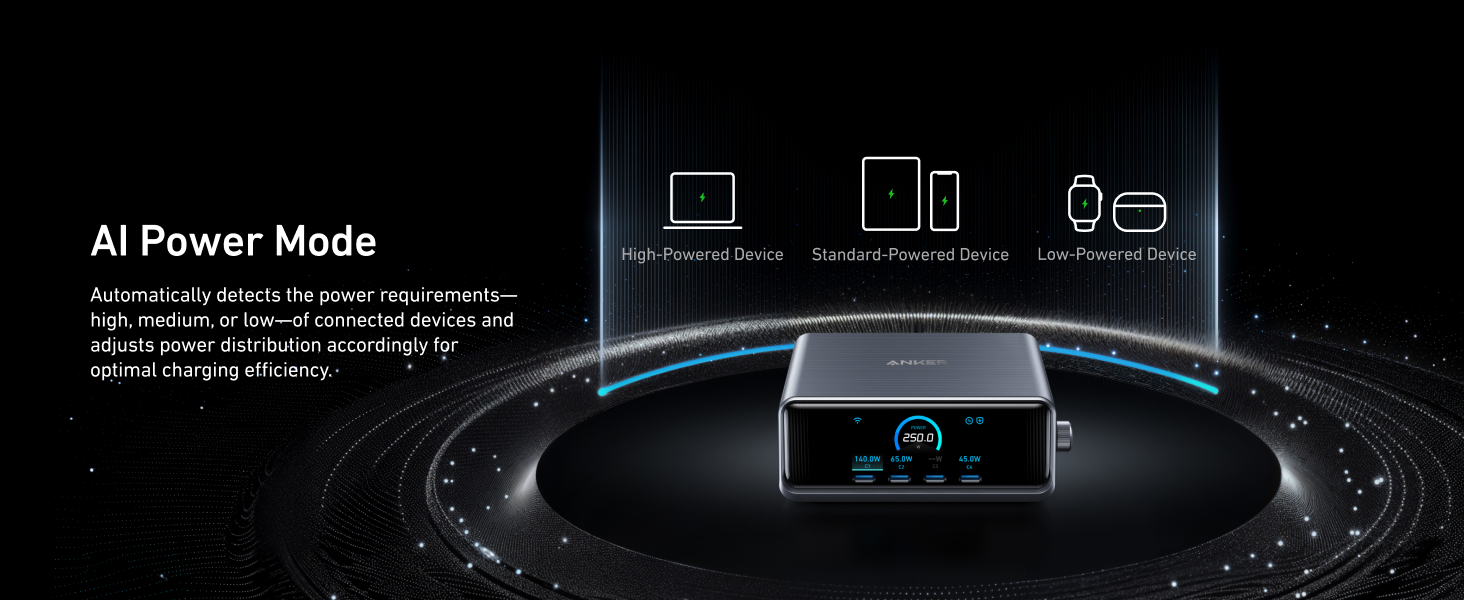
Select “Settings” > “Mode” > “AI Power Mode” on the charger screen. In AI Power Mode (also the default mode), the charger automatically detects the voltage of the connected device, identifies device power requirements (high, medium, or low), and adjusts power distribution accordingly for optimal charging efficiency.
On the charger screen, select “Settings” > “Wi-Fi” and turn on Wi-Fi using the knob. On the phone used to log in to the app, make sure Bluetooth has been enabled. Then add the charger to the app and follow the in-app instructions to complete the setup.
To solve this problem: a. Check whether the Wi-Fi name and password configured in the app are correct. The name and password are case-sensitive and space-sensitive. b. Check whether the network is 2.4GHz. The charger only supports 2.4GHz networks, not 5GHz networks. c. Check whether the network signal is normal. Abnormal signals may cause connection failures. d. Check whether Bluetooth is enabled on the phone. To configure the network, connect to Bluetooth first. e. After connecting to Wi-Fi, do not select “Wi-Fi” in the “Settings” menu again. The Wi-Fi signal will be transmitted again, and the Wi-Fi will be disconnected.
The power, voltage, and current on the app are obtained from the cloud to which the charger reports at a specified time. There may be data inconsistencies due to time variance.

Coming Soon